

Ensure Their Well Being Choosing Tech that Seniors Will Actually Use
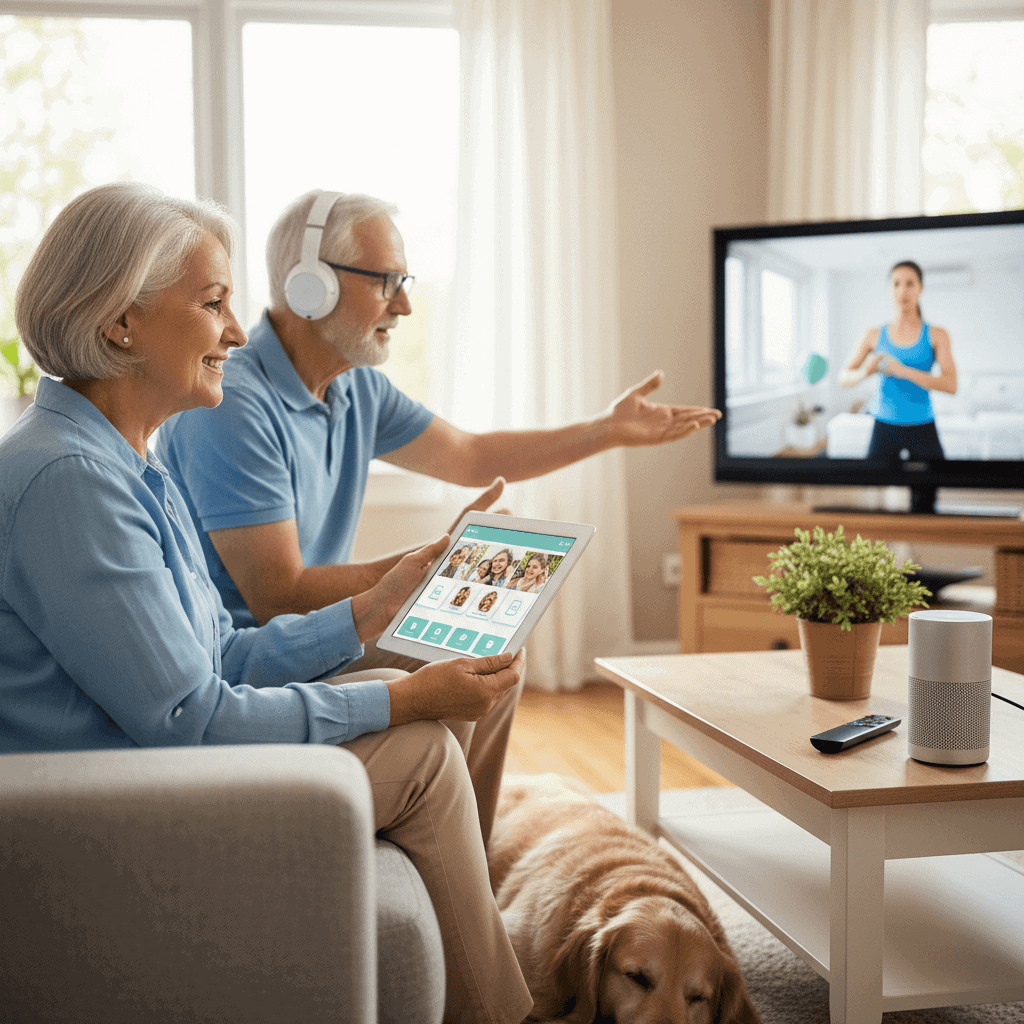
Choosing technology for older adults is about more than brand names and glossy packaging. It is about matching tools to routines, senses, and social patterns so a device becomes useful every day. When a gadget fits a daily need and feels familiar it will get used which leads to better health habits and less frustration for everyone involved.
This article lays out practical steps for picking tech that seniors will actually use. Readable examples and clear tips make it simple to compare options and set up a new device so it stays in regular use. If you are selecting a health monitor, a communication device, or a home safety sensor you will find guidance that focuses on real life needs.
Support Their Well Being by Choosing Tech Seniors Will Actually Use
Well chosen technology can support independence, social connection, and routine health tracking. The goal is to pick items that slot into a person s daily life rather than requiring a major habit change. Start by listing everyday challenges and then look for devices that target only the highest priorities. For example if missed medication is the main concern then a simple reminder system that signals at a set time is more useful than a multifunction watch with steep learning needs.
Keep a shortlist of must have features before shopping. Must haves might include large text, one touch calling, visual and audio reminders, or automatic glucose readings that send a notification to a caregiver. Avoid buying feature heavy products that require long setup or ongoing fiddling. A clear match between need and function raises the chance the device will be used daily.
Focus on simplicity and familiar design
Design choices matter more than brand names. Look for interfaces that echo devices the person already uses. If the person is comfortable with a landline phone then a cellular device with physical buttons and a familiar layout will feel safer than a tiny touchscreen. If they use a tablet to read books then a tablet with simplified home screens is a better bet than a custom device with a nonstandard interface.
Test the flow before buying. Ask the prospective user to start a call, set an alarm, and read a notification. If any action requires more than three steps or repeated corrections it will become a barrier. Choose products that make core tasks one step or two steps at most.
Prioritize physical access and flexible controls
Physical design affects daily use more than marketing. Consider vision, hearing, hand strength, and grip when evaluating devices. Choose larger buttons, high contrast screens, and tactile feedback for people with reduced fine motor control. When possible pick options that let you increase font size and turn up volume without digging through menus.
Large readable text and clear audio
Readable text reduces errors and eye strain. Devices that offer dynamic font scaling and high contrast themes make menus and messages easier to process. For audio cues choose products with adjustable volume and speech rate. Some devices offer spoken confirmations that a task completed correctly which builds confidence and reduces repeat attempts.
Easy to grip hardware and placement
Hardware matters. Lightweight remotes with generous buttons can feel more comfortable than slim designs that require a precise hold. Think about where a device will be stored. A central table location that is easy to reach will lead to more consistent use than a device kept in a drawer.
Choose features that map to daily needs
Match features to clear outcomes. Here are common needs and practical feature matches.
- Medication management Choose timed reminders that repeat and provide auditory and visual alerts. Some systems add a lockable dispenser that releases pills at set times.
- Fall detection and emergency contact Look for systems that provide automatic fall alerts only if those alerts have a low false positive rate and a clear way to cancel a false alarm.
- Social connection Simple video calling with large on screen presets for favorite contacts beats a feature rich app that requires multiple taps to start a call.
- Daily activity Rather than all day step counts consider goal based prompts such as short reminders to stand or walk after long sitting periods.
When comparing products weigh whether a feature will actually be used every week month or only occasionally. Prioritize the functions that address frequent problems and skip extras that create complexity.
Connectivity reliability and battery life
Connectivity problems and short battery life are common reasons devices are abandoned. Choose devices that work on stable networks and that have long battery life or clear charging reminders. If the person lives in a location with spotty Wi Fi consider cellular options or devices that can work offline in basic modes.
Check how the device behaves during loss of connection. Does it store data and transmit later or does it stop working entirely? Systems that queue important updates and notify a family member when something fails provide continuity. Also plan for regular charging by creating a charging routine that fits the person s day, such as charging while watching TV in the evening.
Privacy safety and data control
Privacy is a real concern and it affects trust in a product. Choose companies that make data handling clear and that allow local control of sensitive information. Read privacy summaries and look for simple settings that limit what is shared and with whom. Be cautious with devices that send raw audio or continuous video off site without a clear explanation of storage and access.
When health data is involved check whether the platform allows family members or caregivers to view only summary alerts rather than full personal details. This selective sharing helps maintain dignity while keeping loved ones informed. For a practical checklist on privacy safeguards and security measures you can explore this topic and adapt the suggestions to your situation.
Training community and customer support
Regular use depends on confidence. Training should be brief and hands on. Plan at least one session where tasks are practiced three times. Use printed cue cards with step by step photos or short recorded videos that walk through common tasks. Include family members or local helpers so there is someone available when questions arise.
Evaluate the vendor s support options before purchase. Phone support with human agents and options for remote troubleshooting are highly useful. Also look for local user groups community centers or libraries that offer technology help for older adults. Peer training can build comfort and speed adoption.
Cost options warranties and long term value
Cost is often a deciding factor. Compare upfront purchase price and any ongoing fees such as subscription services cellular plans or cloud storage. Sometimes a slightly more expensive device with free support and a longer warranty is less costly over three years than a cheap product with frequent failures.
Consider the total cost of ownership and the measurable gains. If a monitoring device reduces unnecessary clinic visits or keeps a person engaged socially the return is seen in time saved and in improved daily life. Look for flexible payment plans trial periods and clear return policies that let you test the device in real conditions without risk.
Choosing technology that seniors will actually use means paying attention to real world details. Match features to daily routines pick devices that communicate clearly and offer reliable support, and plan for training and maintenance that fits the person s lifestyle. Start small focus on one or two critical needs and add tools slowly as confidence grows. A thoughtful selection process reduces waste and increases the odds that the device will become a steady part of daily life.
If you are ready to take the next step make a short checklist now. List three daily problems score how important each is from low to high and set two non negotiable criteria for a device such as large text or long battery life. Use those criteria as your filter when shopping and test candidates with the user for at least a week. With intentional choices and simple support systems you will find technology that helps maintain independence and connects people to what matters.
Advertisement

Advertisement

Recent Posts
Advertisement


